Some things to try:
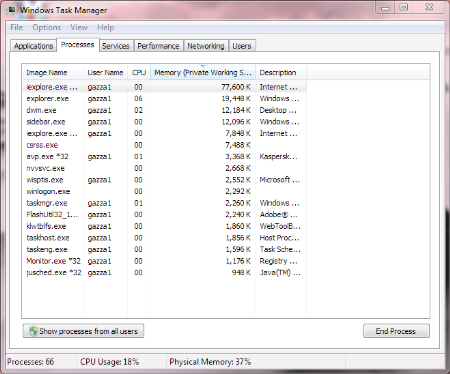
- Firstly try double clicking a program, and just waiting. It could be just running as slow as hell and when you run the programs ten times by continually clicking you could be making it worse. My Mrs had a Compaq laptop with a lovely AMD CPU of that vintage, and it redefined painful on an updated Windows 7 with the latest browsers etc. Her machine with Chrome open sat at 18% CPU.
- If it's a damaged OS then you could try System Restore in Control Panel, find the oldest backup point you can and try to restore. I had to use this last week to save my Mrs' brand new PC from a Windows Update that killed the network devices (grumble grumble)
- or See if the machine has a recovery partition - lots of manufacturers put the recovery files on the actual hard disk. This restores the machine to how it came when it was new.
- or if it's definately a bung OS and nothing has worked so far, I'd copy all his private data off and say "f**k it" - make or find a Home Premium 64bit OEM CD, format the drive, and reinstall fresh (you could try repair, it might work, but when machines get this bad I prefer to format and install fresh). Use the CD key which should be stuck to his machine somewhere.
What I tell people is: If it's not a big open source project or you didn't buy it for money from a reputable company - do not install it - not even once.





 Forum Topics
 New Posts
 Search
 FAQ
 Register
 Login


 Topic Options
 Post Options
 Likes(0)


